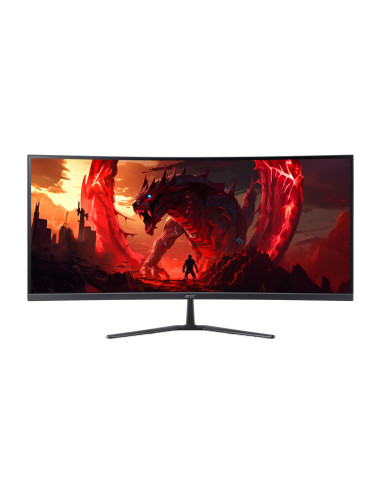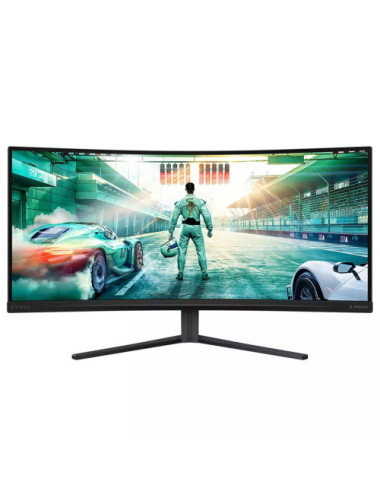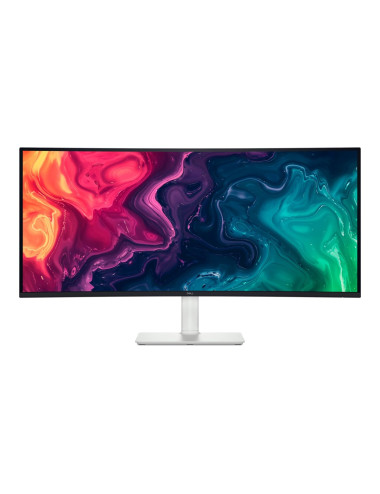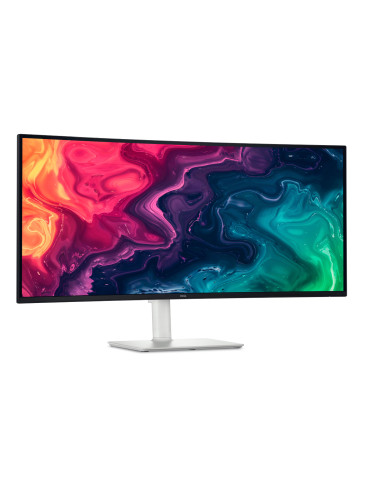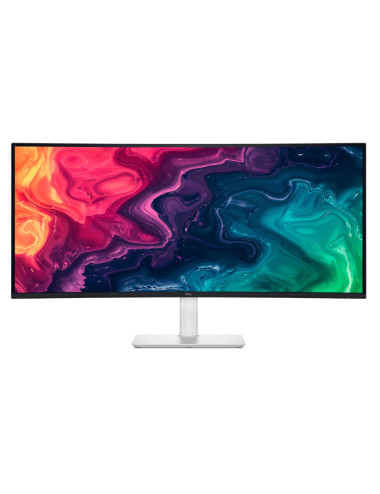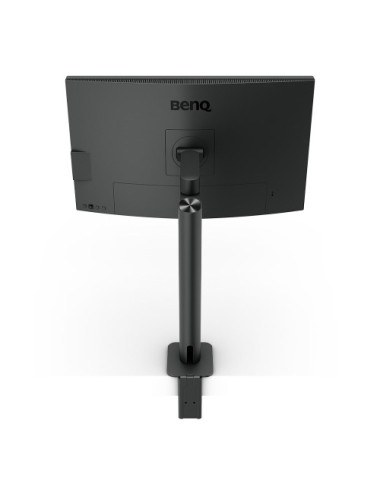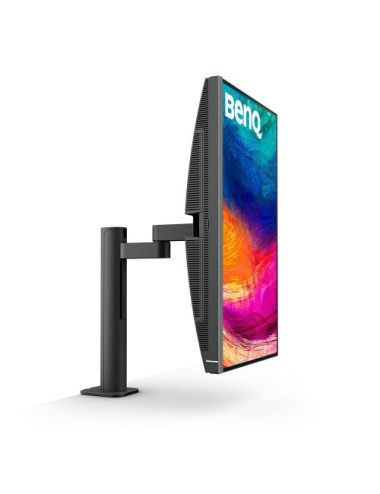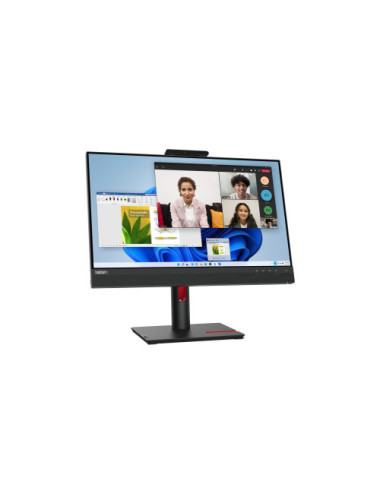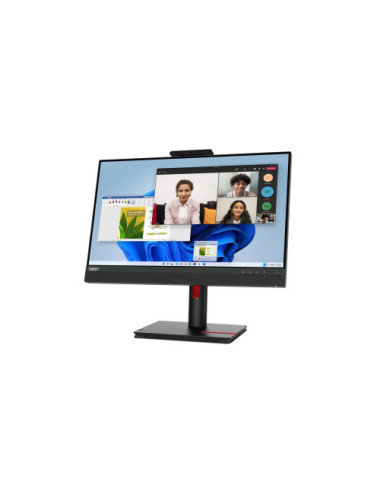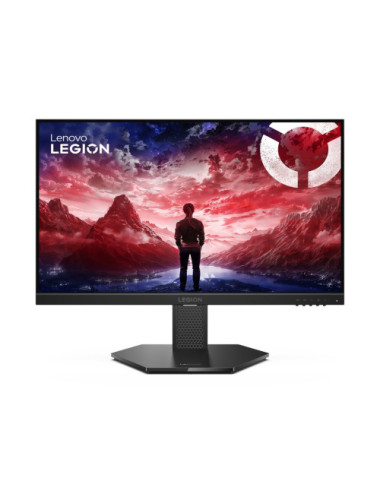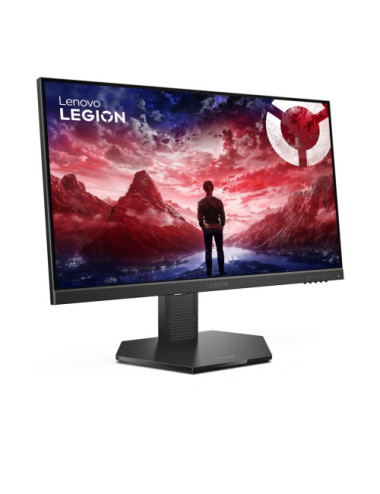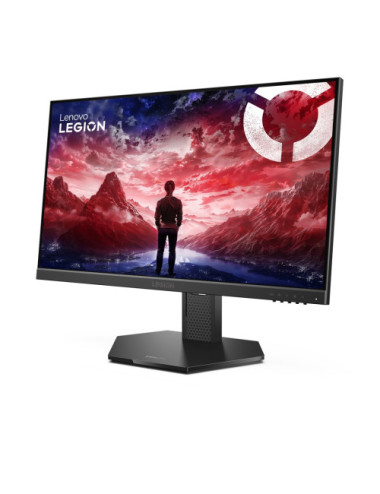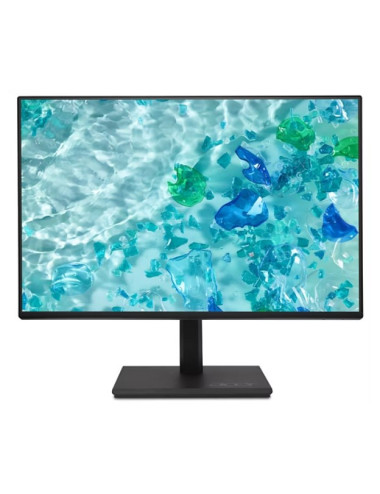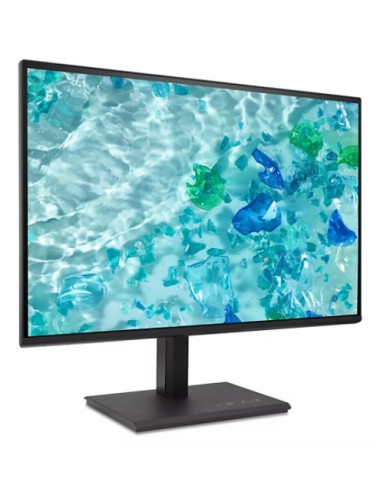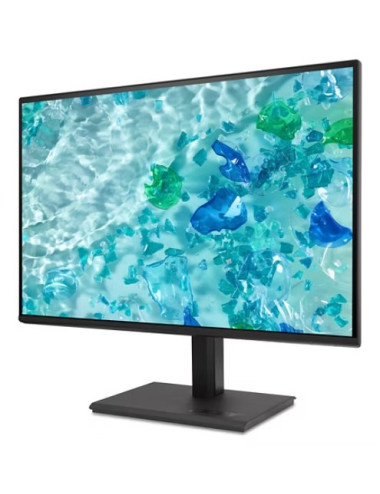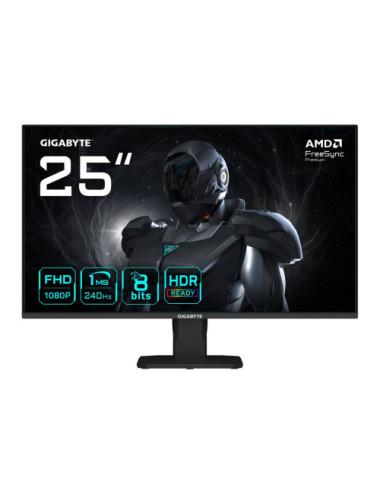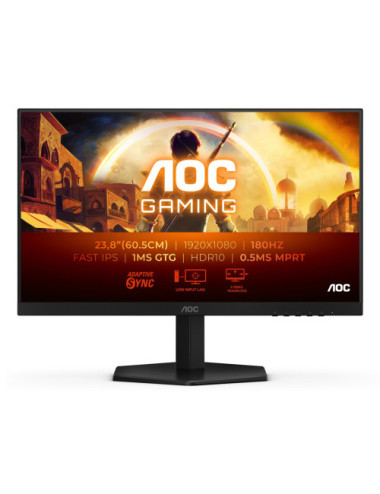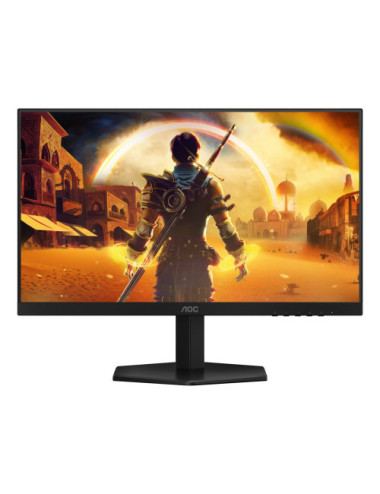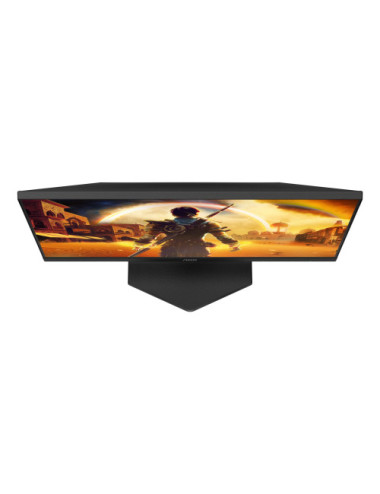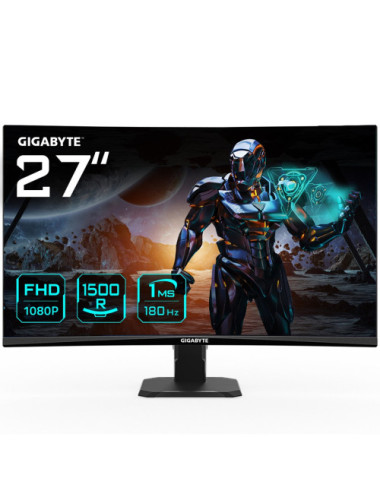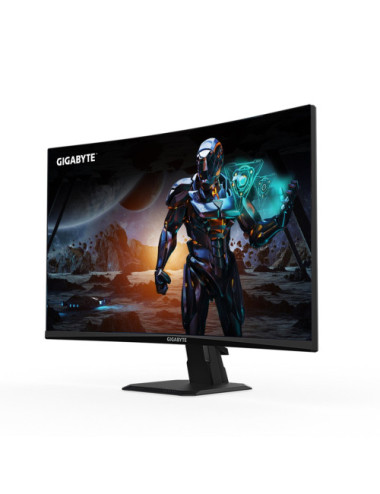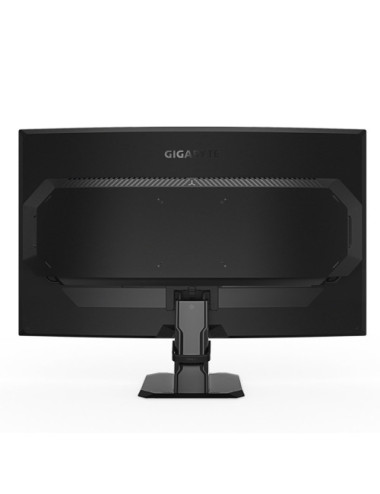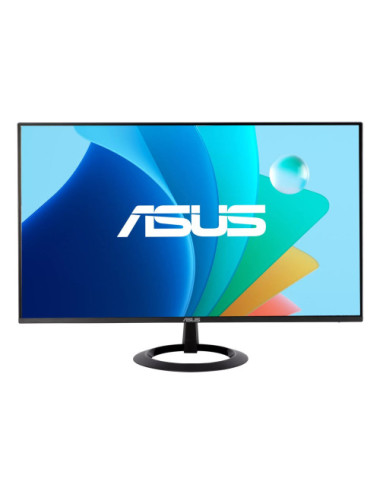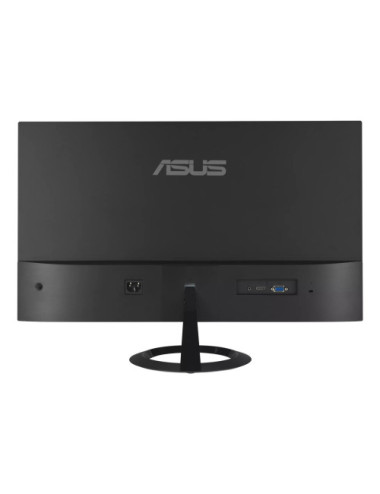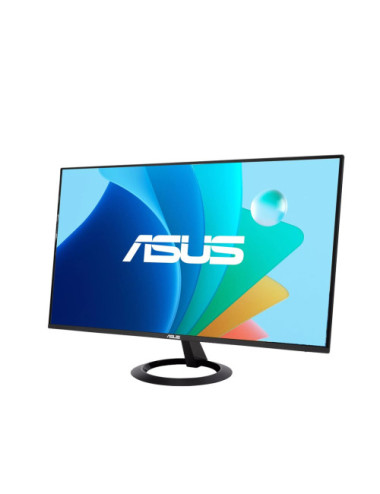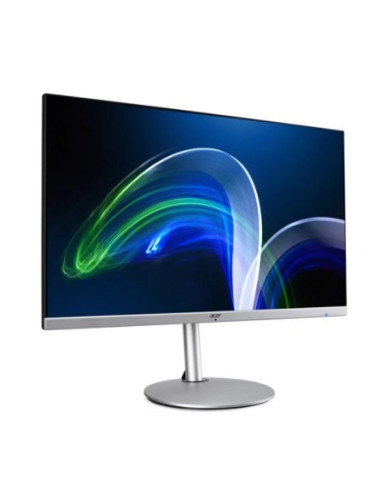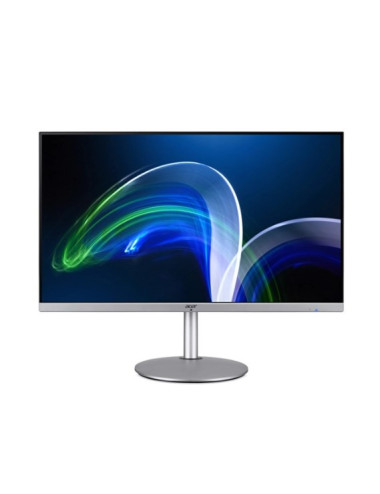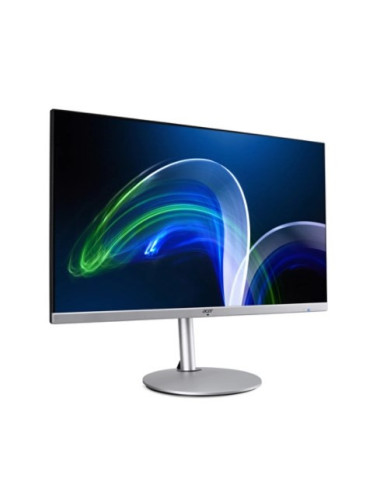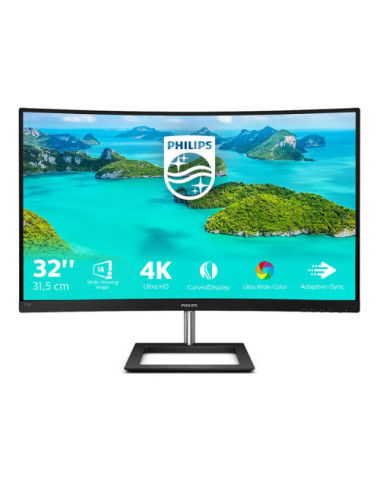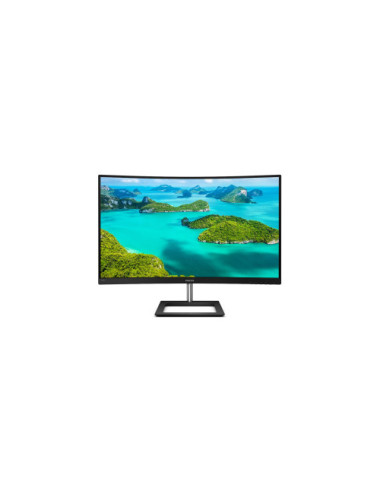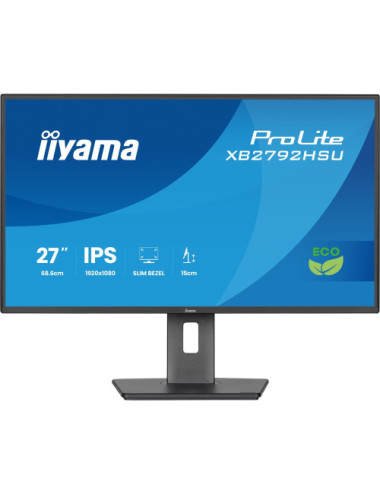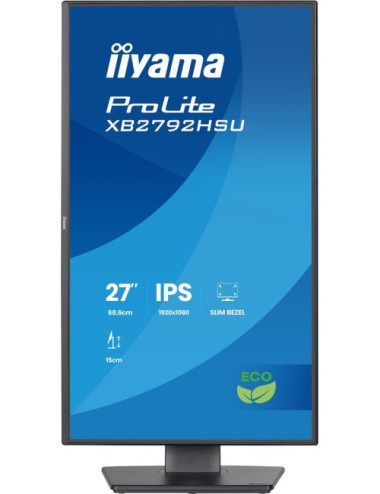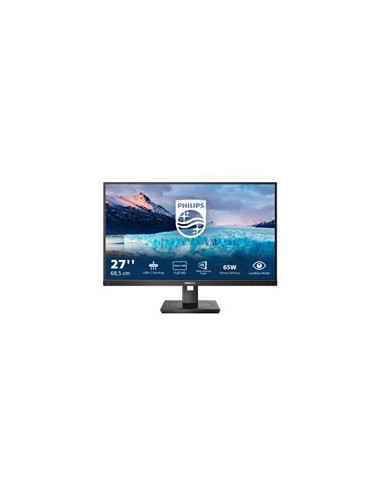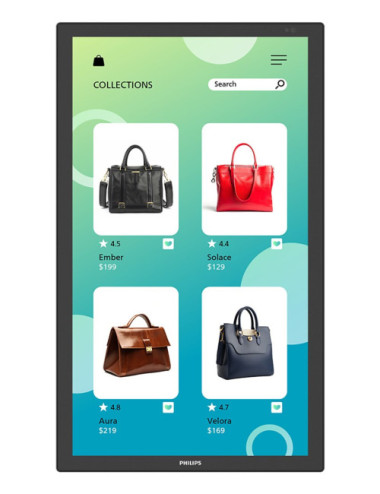
- 32-inch 4K UHD display with HDR10 support delivers vibrant images
- Built-in USB 3.0/USB-C hub with 90 watts power delivery for easy device connectivity
- Anti-glare coating reduces reflections for a better viewing experience
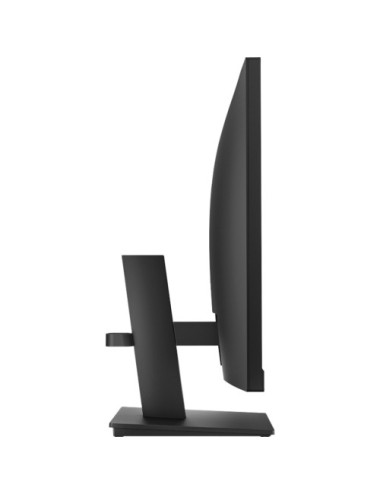
- Flexible display adjustments for optimal ergonomic setup
- Advanced features like Flicker Safe and Reader Mode enhance eye comfort
Product Details
Data sheet
- Weight
- 8.1 kg
- Device type
- LED-backlit LCD monitor - 32"
- Features
- USB 3.0/USB-C hub, USB PD 90 Watt
- Voltage
- AC 100-240 V
- Response time
- 5 ms (grey-to-grey)
- Panel type
- VA
- Aspect ratio
- 16:9
- Pixel pitch
- 0.18159 mm
- Contrast ratio
- 3000:1
- PRODUCT DESCRIPTION
- LG UltraFine 32U720A-B - LED monitor - 32" - HDR
- Native resolution
- 4K UHD (2160p) 3840 x 2160 at 60 Hz
- Brightness
- 250 cd/m
- Energy Class
- Class E
- Colour Support
- 1.07 billion colours
- Input Connectors
- 2xHDMI, DisplayPort, USB-C
- Display Position Adjustments
- Height, tilt, swivel, pivot (rotation)
- HDR Capable
- HDR10
- Dimensions (WxDxH) - with stand
- 71.43 cm x 25 cm x 59.78 cm
- Screen Coating
- Anti-glare
- Colour Gamut
- 90% DCI-P3
- Energy Label QR Code URL
- Https://eprel.ec.europa.eu/qr/2310474
Quick Compare
Product |
|
PHILIPS 27M2N3800A/00 27inch
|
|
Gigabyte Gaming Monitor M27UP ICE 27" SS IPS | Gigabyte
|
Availability |
|
|
|
|
Price |
€364.31
|
€364.31
|
€365.32
|
€366.50
|
Description |
Dell S3225QS | 32 " | VA | UHD | 16:9 | 120 Hz | 4 ms | 3840 x 2160 pixels | 300 cd/m² | HDMI ports quantity 2 |
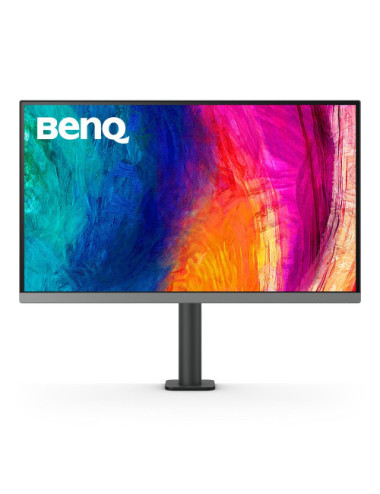
The Philips Evnia 3000 27M2N3800A is equipped with a 27-inch 4K UHD display, delivering image clarity with a native resolution of 3840 x 2160. Designed for both entertainment and productivity, this monitor features technologies such as Adaptive-Sync and Flicker-Free, ensuring a smooth viewing experience. Enjoy vibrant colors with a wide color gamut, supporting 1.07 billion colors, suitable for gamers and creative professionals. This model offers connectivity options with HDMI and DisplayPort inputs, accommodating various devices. The ergonomic design, including height adjustment, tilt, and swivel functionalities, ensures a comfortable viewing experience, enhancing productivity during long hours of use. With features like Smart Image Game mode and Delta E<2 calibration, the monitor i |
Gigabyte Gaming Monitor M27UP ICE 27" SS IPS | Gigabyte | |
Warranty |
36 month(s) | 36 month(s) | ||
Producer product name |
S3225QS | |||
Net weight |
8.77 kg | 6.65 kg | ||
Gross weight |
13.65 kg | 9.08 kg | ||
WEEE tax |
Yes | Yes | ||
Packing quantity |
1.00 pc(s) | 1.00 pc(s) | ||
Volume (m3) |
0.06 m | |||
Tare weight (kg) |
4.88 kg | 2.43 kg | ||
Gross depth (mm) |
169.00 mm | |||
Gross width (mm) |
800.00 mm | |||
Gross height (mm) |
480.00 mm | |||
WEE classification |
CL109:2:2017-04-01 | CL109:2:2017-04-01 | ||
Paper/Pasteboard |
4500.00 g | 1944.80 g | ||
Embeeded battery |
No | No | ||
Colour |
Charcoal | |||
Plastic (No PET) |
380.00 g | 486.20 g | ||
Weight |
5.6 kg | |||
Device type |
LED-backlit LCD monitor - 27" | |||
Headphone out |
Yes | |||
Palette Qty |
13 pc(s) | |||
HDMI ports quantity |
2 | 2 | ||
DisplayPorts quantity |
1 | 2 | ||
Display technology |
LED | |||
Display diagonal |
32 " | 86.4 cm (34") | ||
Display |
3840 x 2160 pixels | |||
Backlight type |
LED Edgelight System | W-LED | ||
Voltage |
AC 100-240 V (50/60 Hz) | |||
LED backlight |
Yes | |||
Power consumption (typical) |
65 W | |||
Display brightness |
300 cd/m | |||
Response time |
4 ms | 0.5 ms (Smart MBR), 1 ms (grey-to-grey) | 1 ms | |
HD type |
UHD | Wide Quad HD | ||
Contrast ratio (typical) |
4000:1 | |||
Viewing angle, horizontal |
178 | 178° | ||
Viewing angle, vertical |
178 | 178° | ||
Native aspect ratio |
21:9 | |||
Built-in speaker(s) |
Yes | |||
TV tuner integrated |
No | |||
VESA mounting |
Yes | Yes | ||
Swivelling |
Yes | |||
Tilt adjustment |
Yes | Yes | ||
Height adjustment |
YES | YES | ||
Width (with stand) |
811.3 mm | |||
Depth (with stand) |
210 mm | |||
Height (with stand) |
510.1 mm | |||
Panel type |
VA | Fast IPS | ||
Aspect ratio |
16:9 | 16:9 | ||
Maximum refresh rate |
120 Hz | 180 Hz | ||
HDMI version |
2.0 | |||
DisplayPort version |
1.4 | |||
VESA mounting interfaces |
100x100 mm | |||
HDMI |
Yes | |||
Touchscreen |
No | |||
Display number of colours |
16.7 million colours | |||
Pixel pitch |
0.1554 mm | |||
Ethernet LAN (RJ-45) ports |
No | |||
USB-C |
No | |||
USB-C power delivery |
N/A | |||
Contrast ratio |
1000:1 | |||
Input current |
2.71 A | |||
PRODUCT DESCRIPTION |
Philips Evnia 3000 27M2N3800A - LED monitor - 27" - HDR | |||
CONNECTIVITY |
HDMI, DisplayPort | |||
Native resolution |
4K UHD (2160p) 3840 x 2160 (DisplayPort 4K: 160 Hz, Full HD: 320 Hz HDMI 4K: 160 Hz, Full HD: 320 Hz) | |||
Brightness |
450 cd/m | |||
Energy Class |
Class F | |||
Adaptive-Sync Technology |
VESA Adaptive-Sync | |||
Colour Support |
1.07 billion colours (10-bit, 8-bit + FRC) | |||
Input Connectors |
2xHDMI, DisplayPort | |||
Display Position Adjustments |
Height, pivot (rotation), swivel, tilt | |||
Compliant Standards |
CB, TUV/ISO 9241-307, TUV Bauart, EAC, EAC RoHS, PSB, UKCA, EMF, FCC, ICES-003, RoHS, Plug and Play, DDC/CI | |||
HDR Capable |
DisplayHDR 400 | |||
Screen Coating |
Anti-glare, 3H Hard Coating, Haze 25% | |||
Colour Gamut |
90% Adobe RGB (CIE 1976), 95% DCI-P3 (CIE 1976), 130% sRGB (CIE 1931), 110% NTSC (CIE 1976) | 100% | ||
Dimensions (WxDxH) - with stand (highest position) |
61.4 cm x 26.1 cm x 51.9 cm | |||
Gaming |
Yes | |||
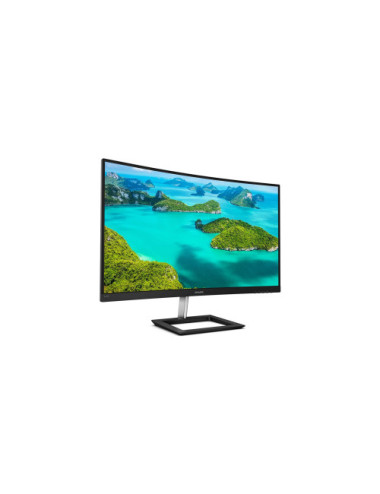
Screen shape |
Curved | |||
Built-in USB hub |
No | |||
Product colour |
Black | |||
Market positioning |
Gaming | |||
Weight (with stand) |
6.9 kg | |||
AMD FreeSync |
Yes | |||
Low Blue Light technology |
Yes | |||
Display resolution |
3440 x 1440 pixels | |||
Display brightness (typical) |
350 cd/m² | |||
Panel mounting interface |
75 x 75 mm | |||
AMD FreeSync type |
FreeSync Premium | |||
Screen curvature rating |
1500R | |||
Colour gamut standard |
sRGB | |||
Producer |
Dell | Gigabyte | ||
Response time (MPRT) |
1 ms | |||
Energy Label QR Code URL |
Https://eprel.ec.europa.eu/qr/2351763 | |||
Warnings |
Place the monitor on a flat and stable surface to avoid tipping and damage. | |||