KVM komutatoriai

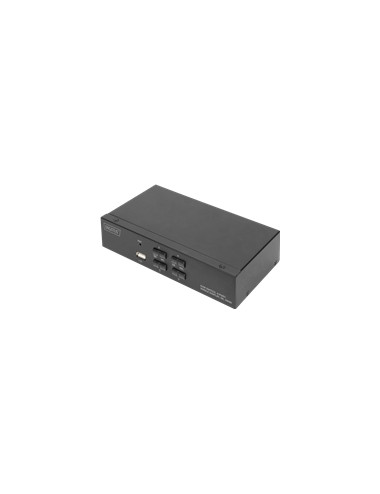
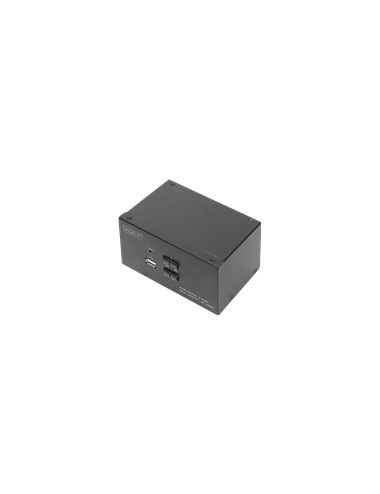
DIGITUS KVM Switch 2x2 HDMI 2-Port
ASSMANN ELECTRONIC

DIGITUS KVM Switch 2x2 HDMI 2-Port

121,35 €
With the DIGITUS 2-Port KVM Switch for dual displays, you can operate two 4k-compatible PCs using a single USB keyboard and mouse combination. By pressing a button or hot key, you can switch comfortably between the two PCs and are spared the trouble of replugging all cables. Output on up to two monitors is provided via two HDMI outputs on the rear side. You can also switch between the audio signals for the microphone and speaker. In addition, a USB port is included on the front side for use with other peripheral devices like USB sticks or external hard drives on both PCs. The connected peripheral devices are each assigned to the active PC. Status LEDs on the front side of the switch show you the current configuration at all times. The slim switch features the added benefits of sturdy metal
    TECHLY 028214 HDMI KVM Extender w/ USB
    TECHly

    TECHLY 028214 HDMI KVM Extender w/ USB

    205,62 €
    This HDMI KVM extender transmits HDMI signal up to 120 meters via network cable, and the resolution supported is up to 1080p@60 Hz. It allows access to a computer system from a remote console by USB connectors(USB keyboard and mouse).
      DIGITUS KVM Switch 4x1 DP DP/HDMI 4Kx2K
      ASSMANN ELECTRONIC

      DIGITUS KVM Switch 4x1 DP DP/HDMI 4Kx2K

      169,13 €
      With the DIGITUS 4-Port KVM Switch, you can operate four 4k-compatible PCs using a single USB keyboard and mouse. By pressing a button or using the remote control included in delivery, you can switch comfortably between the PCs, sparing you the trouble of replugging all cables. Output to a monitor occurs either via the integrated HDMI or the DisplayPort output. You can also switch between the audio signals for the microphone and speaker. In addition, two USB 3.0 ports are included on the front side for use with other peripheral devices like USB sticks or external hard drives on all PCs. If you place the KVM switch in an inaccessible location, you can use the IR receiver and connection cable included in delivery even if the KVM switch itself is not within the range of the remote control. St